Building the CV
Build your CV and include a concise summary of your skills, experiences, goals, and more.
CV builder’s details show employers what assets you will bring to the role you are applying for.
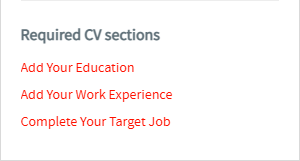
Complete the required information by filling in all required fields highlighted in red across different sections to start applying for jobs.
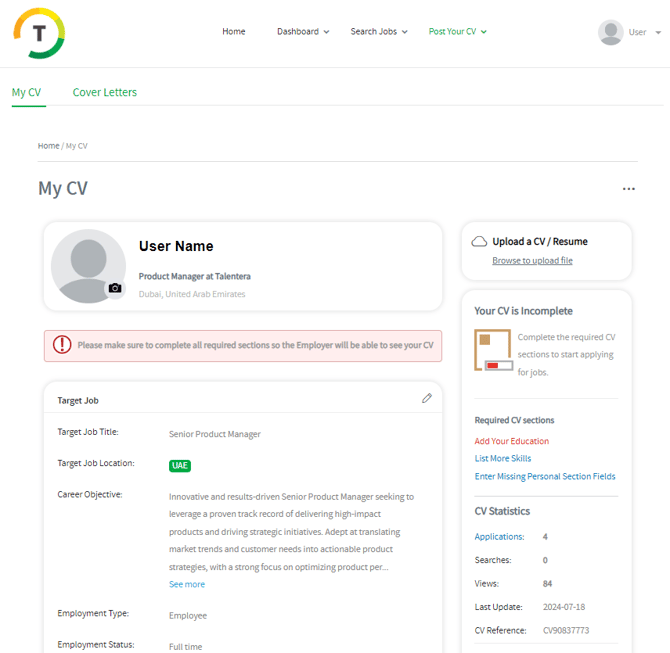
Check the highlighted “Required CV Sections“ side-box on the right to find which sections/ fields are incomplete.
Each mandatory field in the CV builder is designed to make your CV more visible and searchable online. We encourage you to complete the various sections professionally and accurately to improve your chances of hearing back from prospective employers.
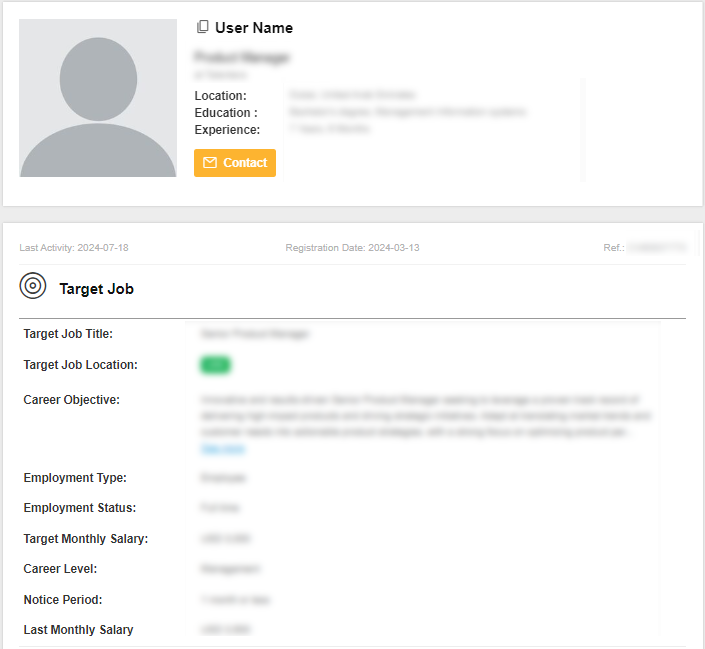
Target Job
Start adding your target job details to specify the position you are seeking.
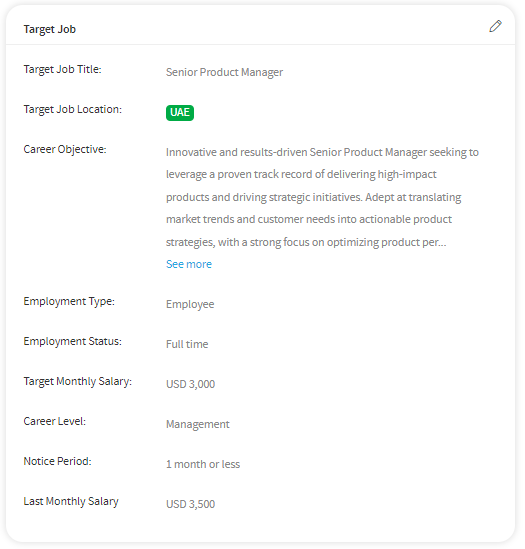
Fill in the below fields to complete your target job section:
- Target Job Title - List the job titles that best describe the position you are seeking. These keywords help in targeting your CV easily and quickly in a search.
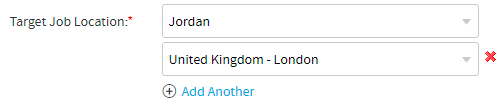
- Target Job Location - If you are flexible with your preferred location, be sure to add more than one location. You can add up to ten places by clicking on the “Add Another” link.
- Career Objective - Your Career Objective is a brief statement of what you are looking to accomplish professionally. As your Career Objective is featured prominently, employers will look here before proceeding onto the rest of your CV.
- Employment Type - Contractor, Employee, Internship, and Temporary Employee
- Employment Status - Part-time and Full-time
- Target Monthly Salary
- Career Level - If you still haven’t received a higher learning degree, you are probably seeking an internship. If you are a fresh grad, you are probably interested in entry-level positions. Several years into your career, you might want to look into a mid-career position, etc.
- Notice Period
- Last Monthly Salary
Personal Information
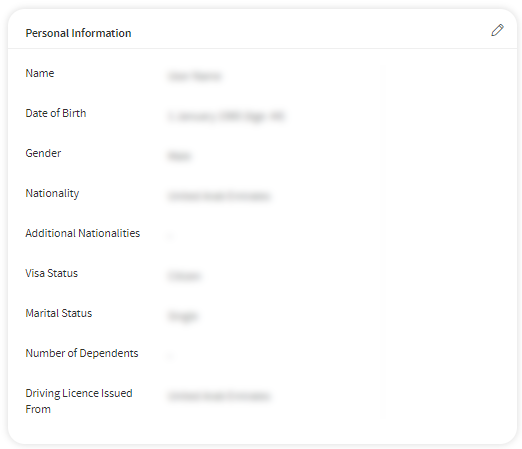
Add your nationality, visa status, and all basic personal information to complete your profile.
- First Name
- Last Name
- Date of Birth
- Gender
- Nationality
- Additional Nationalities- If you are a citizen of more than one country, select all other nationalities.
- Visa Status- Visa status applies to the country where you are a resident.
- Marital Status
- Number of Dependents
- Driving License Issued From- If you have a valid driving license, select the countries where this applies.
Contact Information
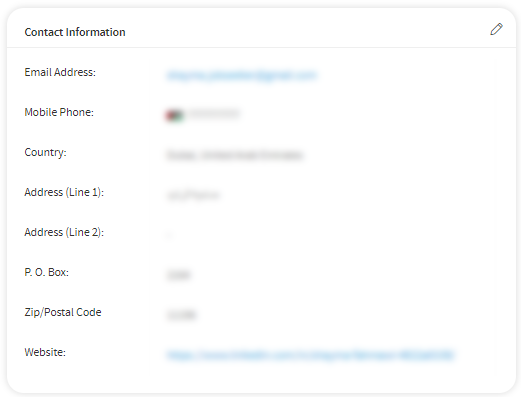
Add the information and details needed that enable the employer at a place of business to contact you.
- Email Address
- Mobile Phone
- Country
- City
- Address (Line 1)
- Address (Line 2)
- P. O. Box
- Zip/Postal Code
- Website
Experience
Add your previous work experience, if any. List what your responsibilities were, what skills you have developed, where your strengths lie, and what you have achieved.
- Start Date
- End Date
- Location
- Address- Far or near, your previous job location might make all the difference to future employers.
- Company Name- To appear professional, use the official name of the company. Don’t forget to capitalize where necessary.
- Company Industry
- Job Role
- Position in Company-This will most likely be the same as the job title written on your business card. Ex: Public Relations Executive.
- Work Description- Use clear, concise statements to describe what you did in this job. Highlight only the critical aspects of your role—Ex: Supervised a team of web developers throughout minor and major projects.
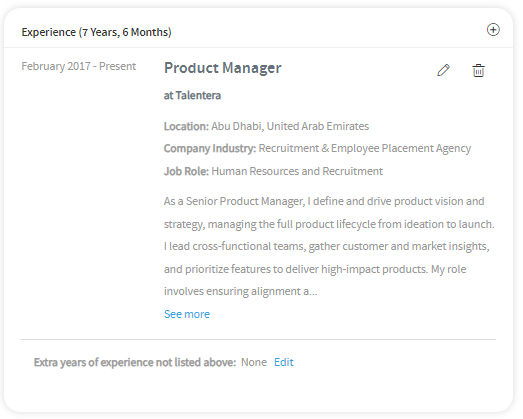
You can add extra years of experience without adding any details by clicking on the Edit link at the end of the section for the “Extra years of experience” option.

Make sure to add all your experiences by clicking on the Add icon.
Education
List the schools you attended, the degrees you attained, your GPA, and any special awards and honors you earned.
- Institution - The name of the school, university, or institution from which you received your degree. Write the full name instead of using abbreviations.
- Country
- City
- Degree - Start with your highest educational degree. You may add more degrees after saving your highest educational qualification.
- Major- Adding qualification details such as BA or MS alongside your major or program can be useful.
- Grade- Different educational institutions have different grading systems. To make sure your achievements are presented correctly, select the grading system used by the institution you attended and then enter the grade you achieved.
- Completion Date- This gives employers a better idea of your career level, depending on when you received or will receive your degree.
- Description- Mention any honors, awards, scholarships, internships, and dissertations received.
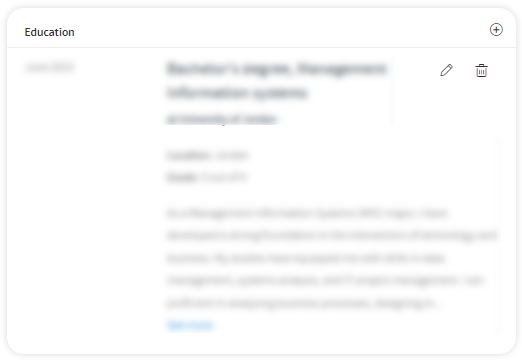
Add all your educational degrees by clicking on the Add icon.
Skills
Add all your hard skills, technical knowledge, or training you have received through experience, which allows you to do a particular job, and soft life skills that help you through everyday tasks and indirectly adapt to the work environment and company culture.
- Skills
- Proficiency
- Years of Experience
- Last Used
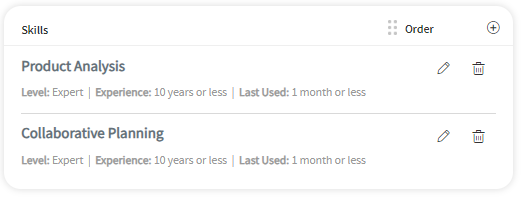
You have the option to Add, Edit, Delete or Order the skills.
Languages
List languages with your proficiency level. Start at the top with the language you are most proficient in.
- Languages
- Proficiency
- Years of Experience
- Last Used
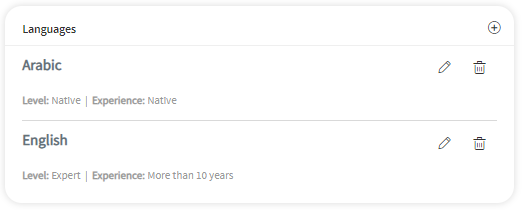
You can Add, Edit and delete languages.
References
Employers and hiring managers may contact people on your reference list during the hiring process to learn more about your professional history and other details about the kind of employee you are.
Add references that provide contact and background information on professional references.
- Name
- Job Title
- Company Name
- Phone Number
- Email Address
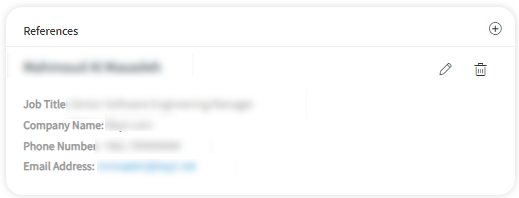
You have the option to Add, Edit and Delete your references list.
Memberships
Your memberships, including organizations’ names and your title within each.
- Organization
- Member since
- Membership/Role
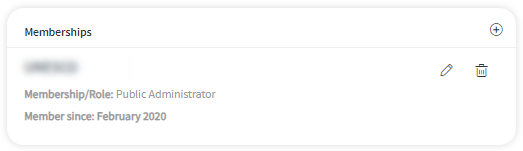
You can Add, Edit, and Delete memberships.
Original CV Attachment
Attach your CV and upload it into this section by clicking on “Upload CV as Attachment.”
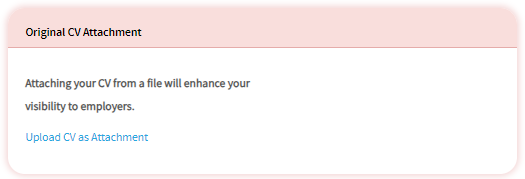
Upload CV as attachment
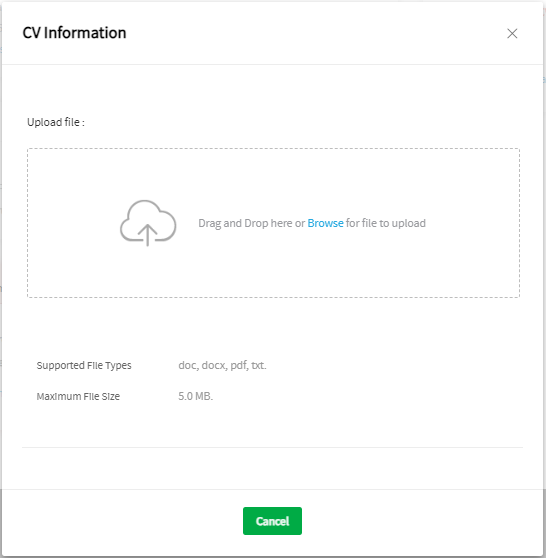
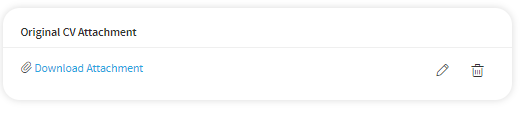
After the CV is successfully uploaded, you can perform the below options:
- Download CV
- Delete the attached file
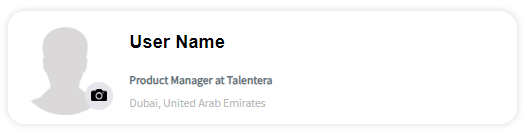
Upload your photo
Including a photo will create an immediate first impression to the recruiter.
 .
.
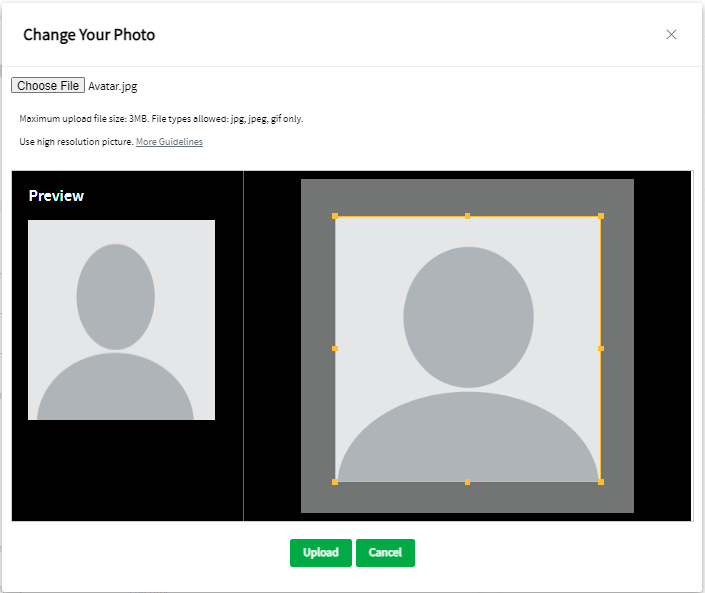
Upload it and crop, then save.
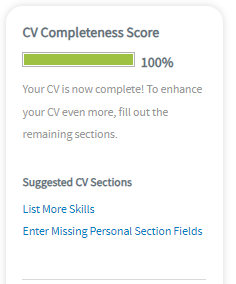
Once the CV is completed, you will be able to apply for jobs.
To improve your chances of being hired, enhance your CV by filling out more sections.
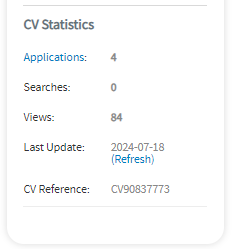
CV statistics will appear on the CV builder after completing the sections with the number of applications, searches, views, and last updated date.
There are multiple options available for the job seeker, including view the profile as an employer, replace CV, and download CV attachment, if any.
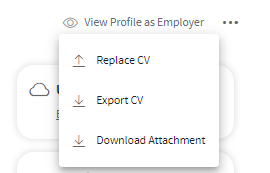
View Profile as an employer- Click on it to view how employers will see your CV.
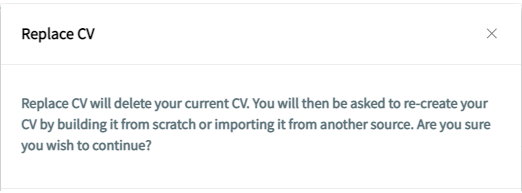
Replace CV
It will delete your current CV. You will then be asked to re-create your CV by building it from scratch or importing it from another source.