
Employers can add and save questions directly to Questions Templates to be used later in the questionnaires sent to the candidates.
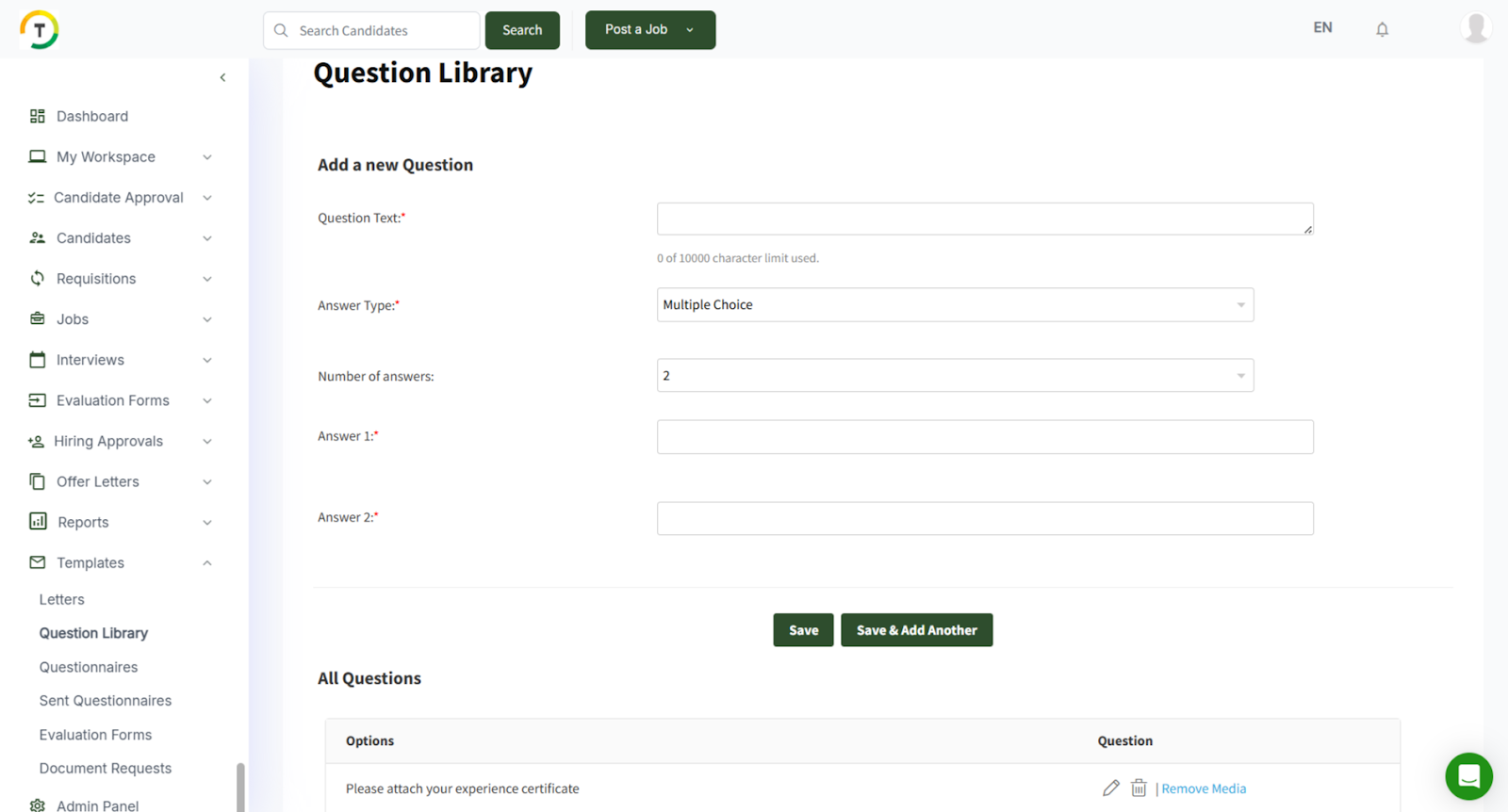
You can add different types of questions, as listed below:
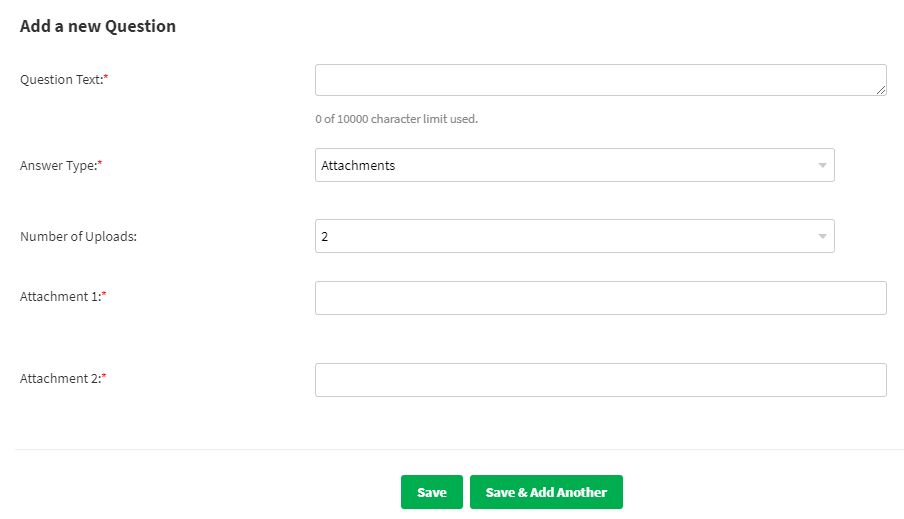
- Attachment
You can add up to 30 uploads and fill in all their names. You can use this option if the answer requires the jobseeker to attach a file.
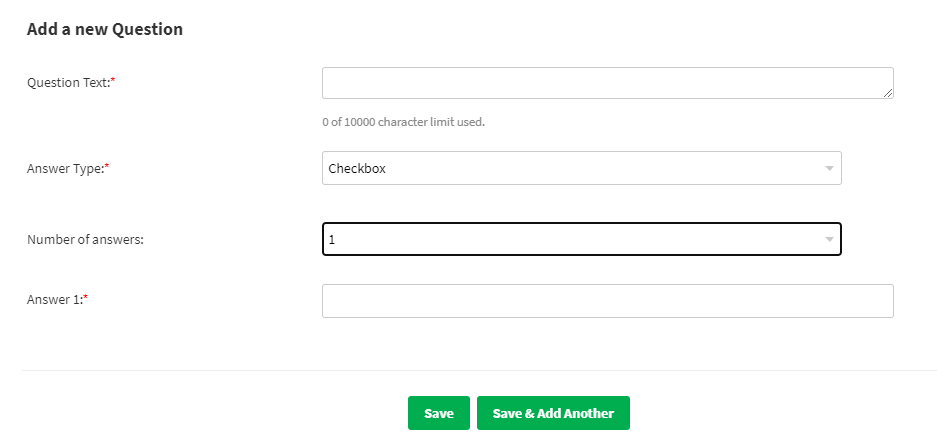
- Checkbox
You can add 30 options for the checkbox, and the option’s name field will be updated according to the selected number of answers.
- Date
- Displayed text
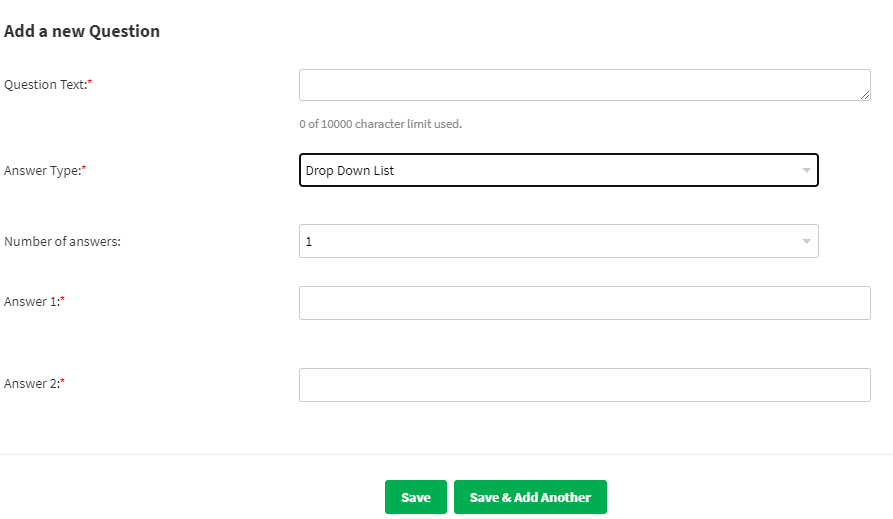
- Dropdown list
- Free text

- Free- Text Field
- Header
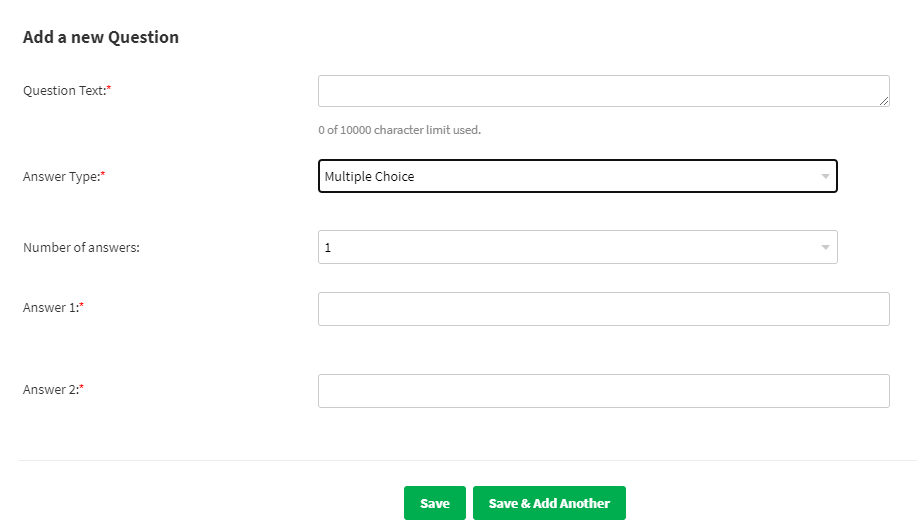
- Multiple Choice
You can change the number of answers depending on the choices you need to add to the answer.
- Number
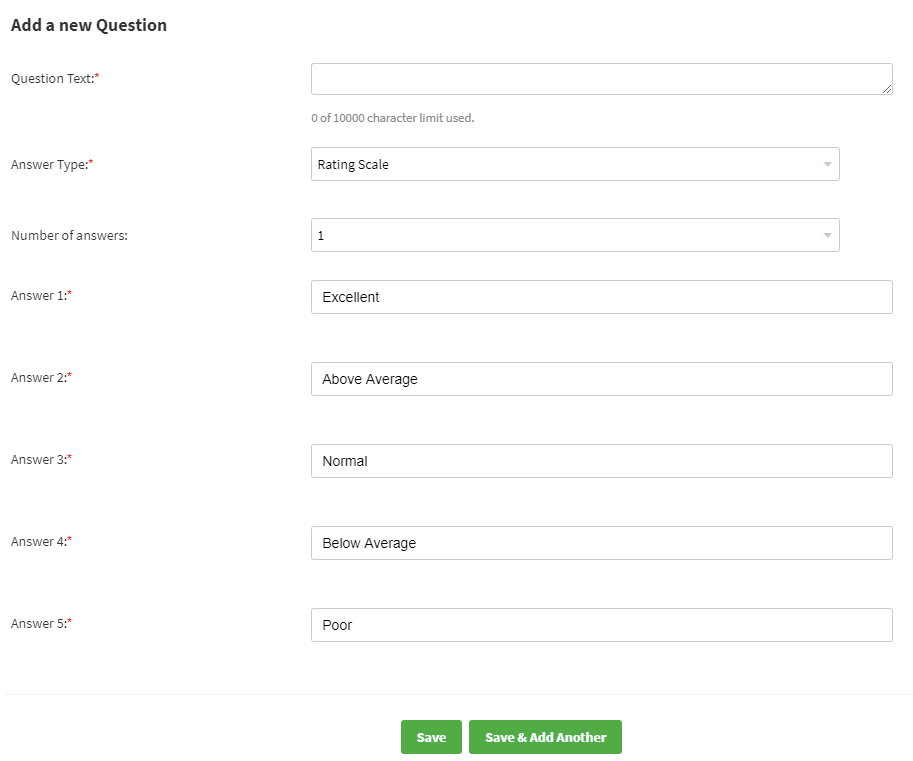
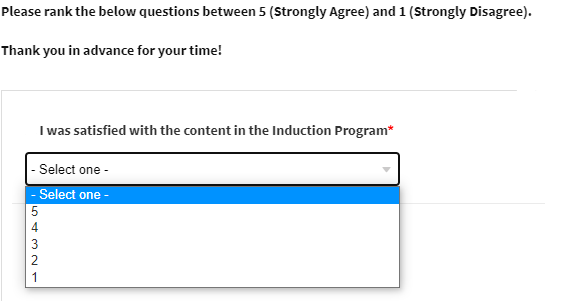
- Rating Scale
It’s a multiple-choice question that allows survey respondents to assign a value to a specific question.
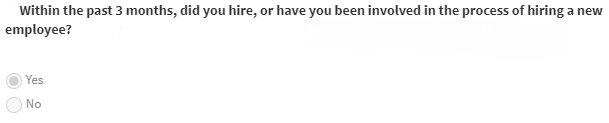
- Yes/ No
Two answer options will appear (Yes/No)
Click on ‘Save’ to continue or ‘Save & Add another’ to add more questions.
These added questions can be easily added to any Question Templates, as this will save your time instead of writing the same questions whenever you add a questionnaire.