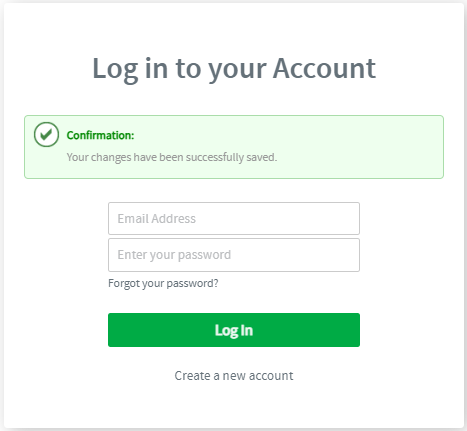
Login
If you are an existing user and you already have an account on the career portal, simply click on the Login link on the top of the Homepage.
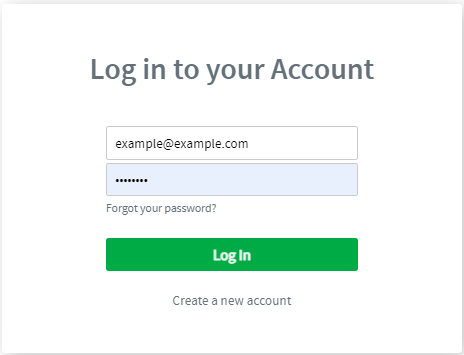
Type your email address and password to proceed with the login.
Resetting password
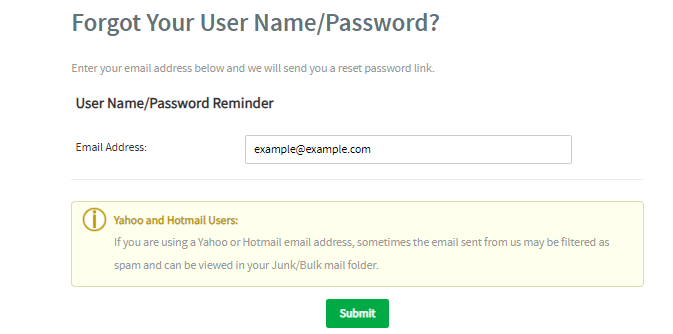
If you wish to reset your password, click on the “Forgot Your Password” link, and fill in your email address.
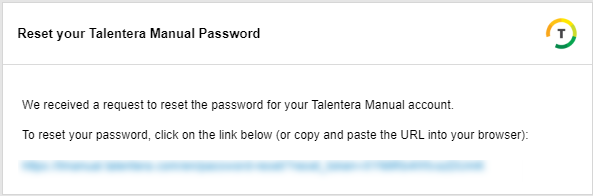
You will receive the below email to reset your password.
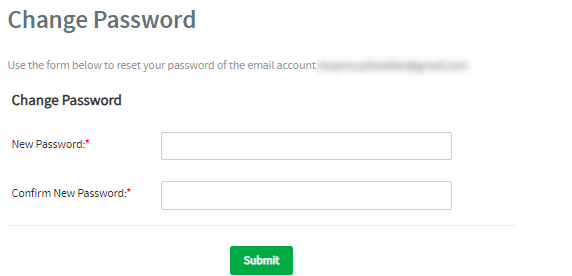
Fill in the new password and confirm it, then proceed.
Once the password is updated, a confirmation message will appear to inform you that the changes have been saved.