
Send and manage letters to applicants
Employers can automate communication by adding email templates or using existing default ones by providing standardized format and content for correspondence and dispatch to the candidates.
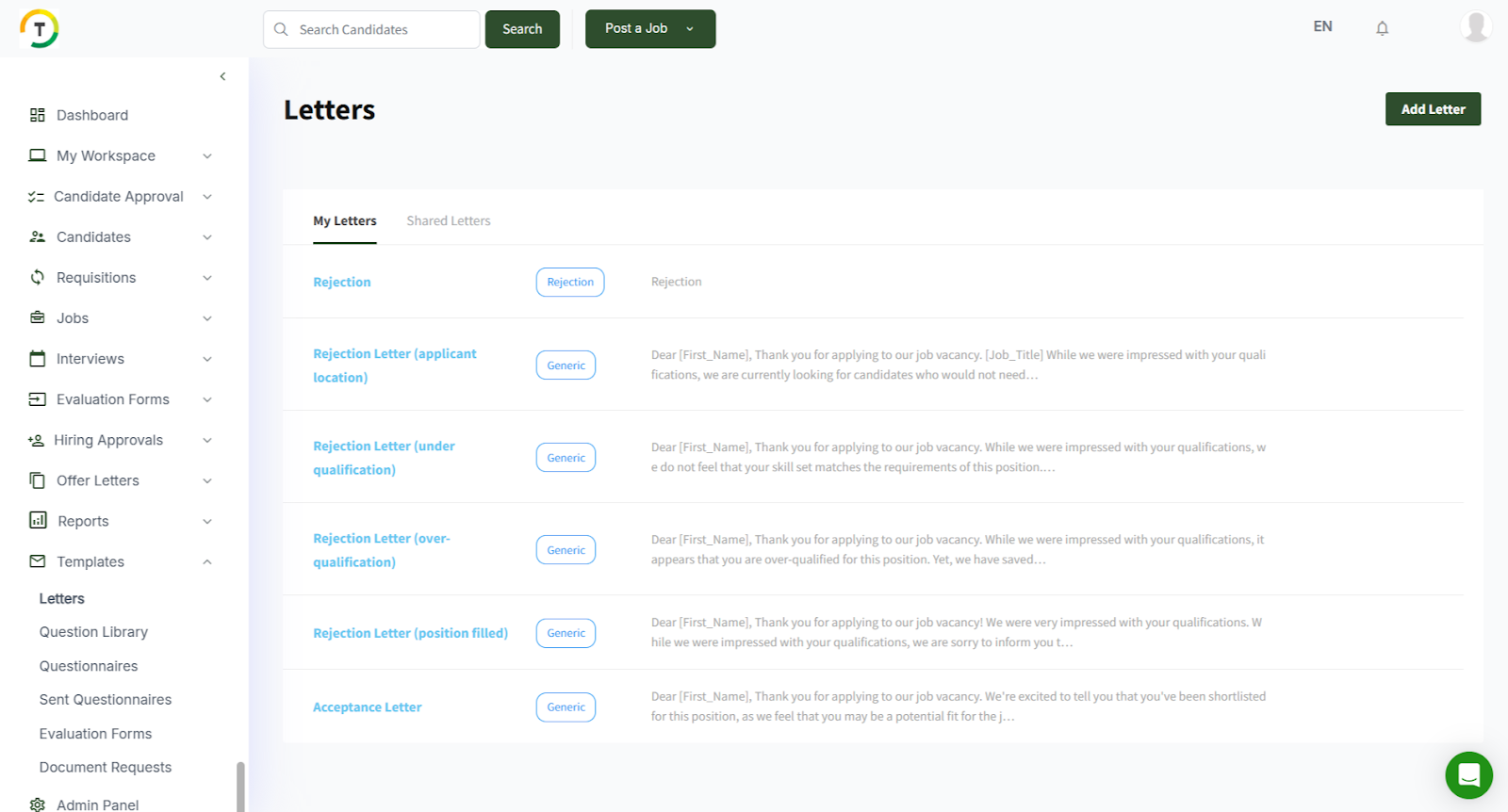
You can add a letter, preview existing ones, and edit or delete them as necessary.
- The Shared Letters tab includes any letters created by other users shared with you.
Saved letters can be accessed and sent out through multiple sections such as CV search, job posting folders, saved folders, and interviews based on the letter’s type.
Add a new letter by clicking on the “Add Letter” button. This opens the Letter Template form. Fill in the needed details in this form, including the letter type, subject, name, and body.

You can personalize this letter template by adding different macros such as CV ID. This way, when you’re sending a letter in bulk, you do not have to go and change the CV ID for each candidate in the letter. The system does that automatically, and the macro is filled with personalized details about the candidate.
