Dashboard
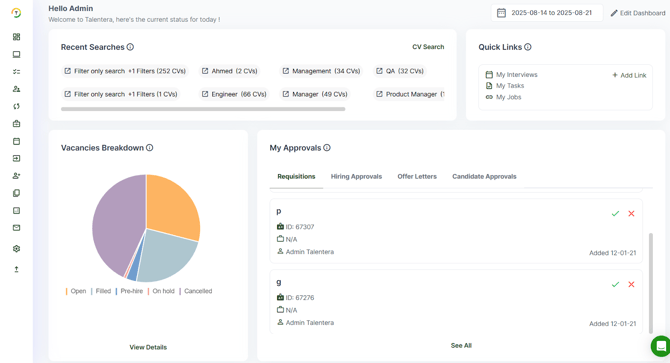
The Dashboard section in Talentera provides an at-a-glance overview of key statistics and insights through customized widgets, offering flexibility to tailor the layout according to your preferences. You can arrange and personalize widgets such as Talent Acquisition Summary, My Approvals, Vacancies Breakdown, Jobs Overview, My Tasks, Upcoming Interviews, and many more. This customization enables users to focus on the most relevant data, streamline their daily workflow, and monitor activities across the platform efficiently.
Edit Dashboard
At the top of the dashboard, you will find the Edit Dashboard button, which allows you to customize the layout to highlight what matters most to you. You can drag and drop widgets into the desired position to create a personalized view that fits your workflow, noting that any timelines displayed are flexible and subject to change.
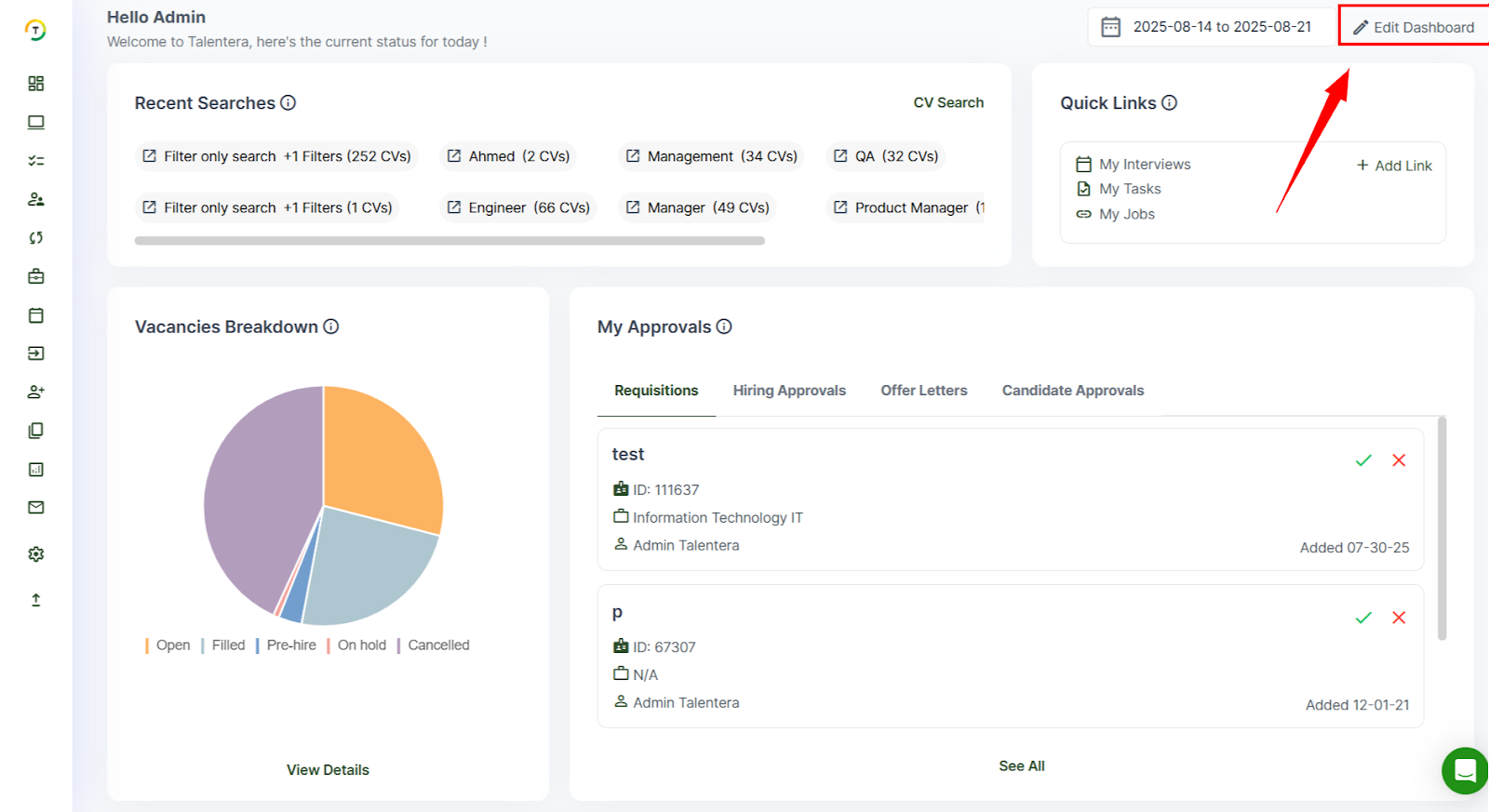
- Widget Library: Next to the edit option, the Widget Library button gives you the ability to add or remove widgets from your dashboard.

- Adding or Removing Widgets: To make changes, simply click the + button to add a widget to your dashboard or the x button to remove it. This makes it easy to tailor your dashboard to your exact needs. Each widget includes an eye icon that you can click to read more about its purpose.
Recent Searches
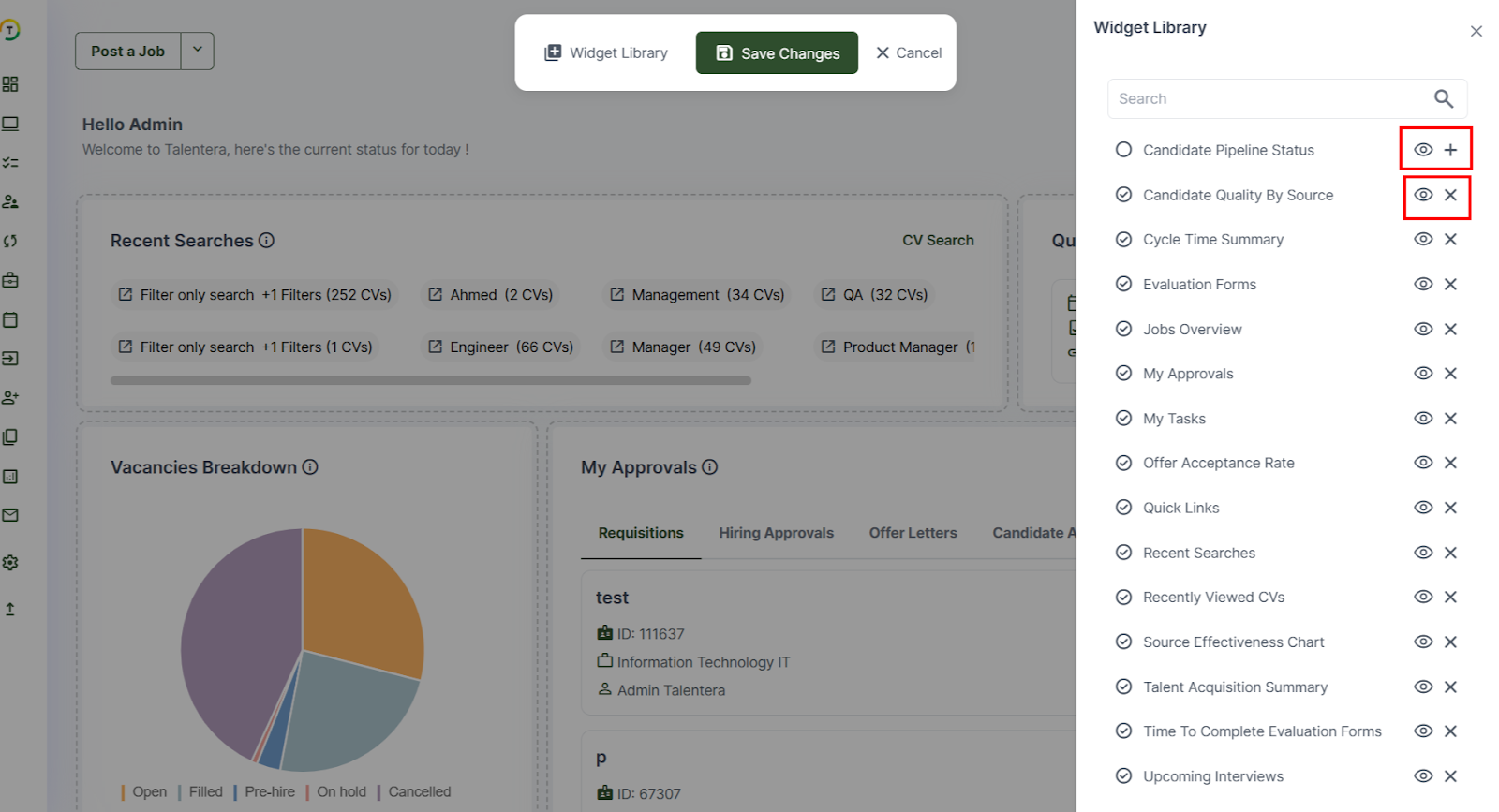
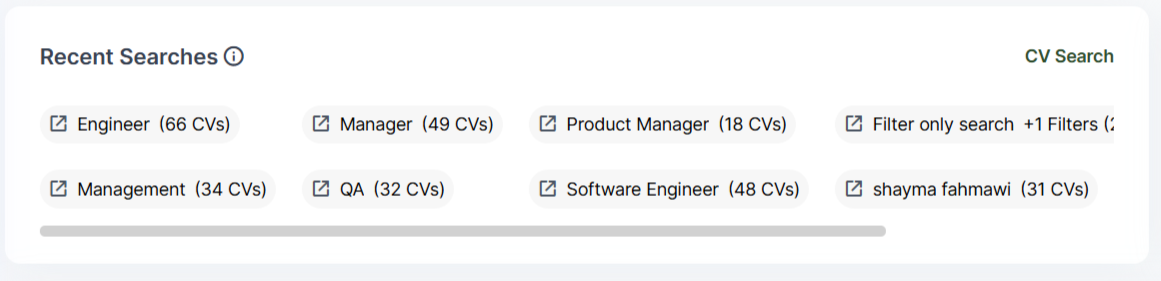
The Recent Searches widget on the Dashboard allows you to quickly revisit your most recent candidate searches without having to re-enter criteria.
Quick Links
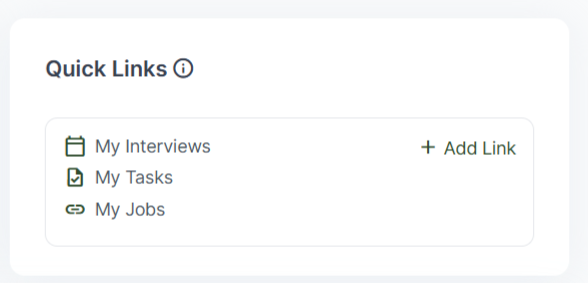
The Quick Links widget allows you to create personalized shortcuts to any page within Talentera, providing instant access to your most-used sections. You can pin frequently visited pages for faster navigation. This feature streamlines your workflow by reducing the time spent browsing through menus and helps you stay focused on high-priority tasks.
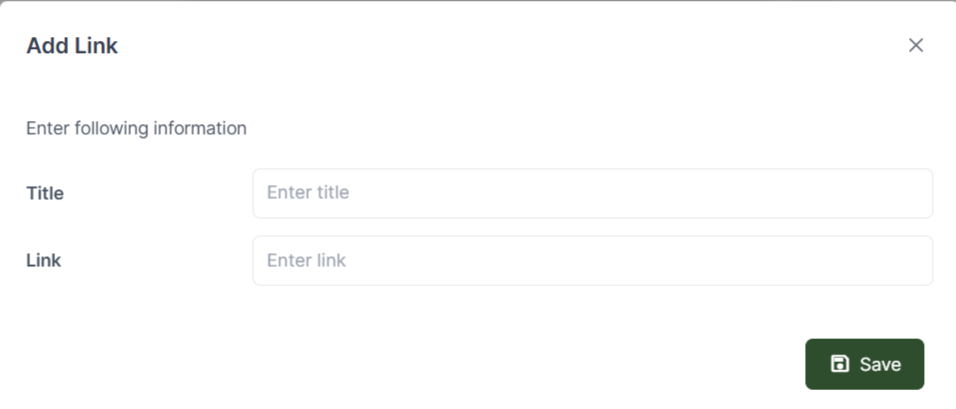
- Specify the title you want to display on the widget.
- Provide the URL of the page you wish to add as a shortcut.
Talent Acquisition Summary
The Talent Acquisition Summary widget provides a comprehensive overview of your recruitment efficiency within the selected time period. It displays key metrics such as the number of CVs created, completed, sourced, job applications submitted, and offers sent.

My Approvals
The My Approvals widget consolidates all your pending approval requests into one convenient location. From here, you can review, approve, or reject requests with a single click, streamlining decision-making and ensuring a faster turnaround time.

Vacancies Breakdown
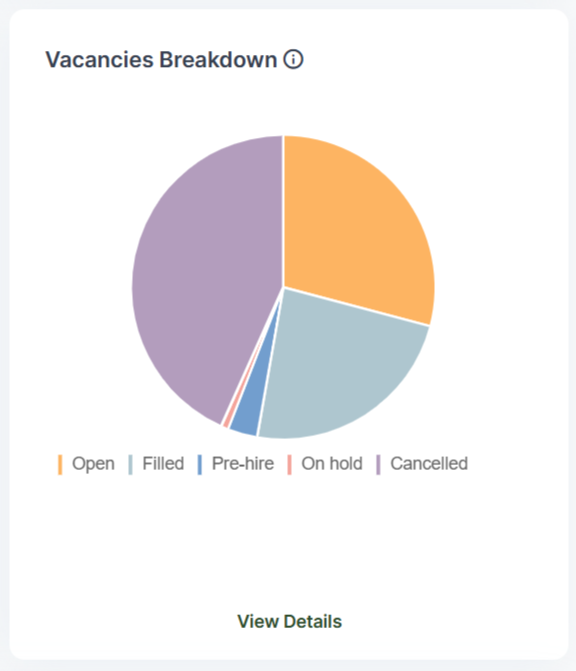
The Vacancies Breakdown widget provides a clear status summary for each vacancy within a job post. It categorizes vacancies as Filled, Open, or Pre-hired, On hold, Cancelled, Draft allowing you to quickly assess recruitment progress and identify positions that require immediate attention. You can also hover over each status to view more details about it, giving you a quick and interactive way to understand its meaning.
Cycle Time Summary
The Cycle Time Summary widget allows you to monitor the performance and efficiency of your recruitment process through key time-based metrics. It tracks the time to requisition approval, time to shortlisting, time to interview, time to offer, time to hire, and time to screening. By analyzing these metrics, you can identify bottlenecks, optimize workflows, and ensure a faster, more streamlined hiring process.
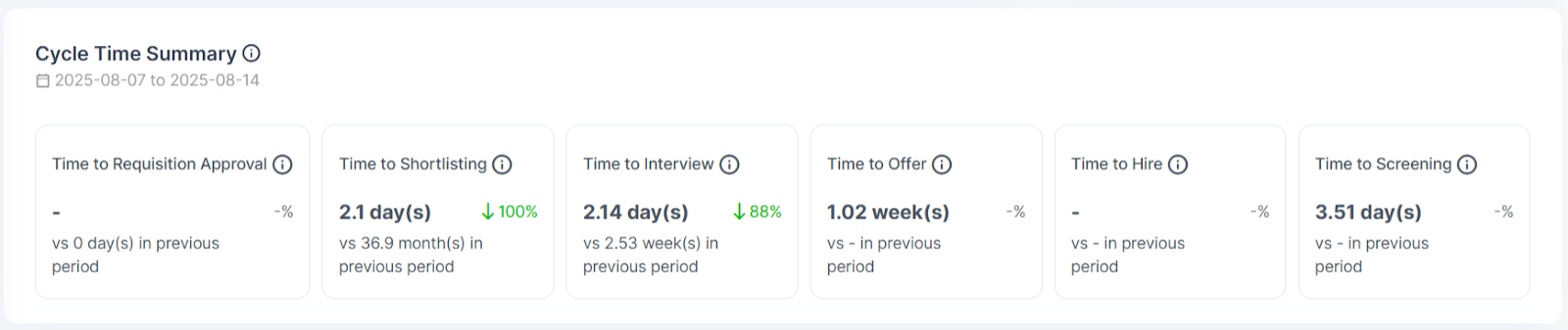
- Time to Requisition Approval: Average number of days from the requisition creation date until it is fully approved.
- Time to Shortlisting: Average number of days from the candidate’s application date until they are moved to the next stage.
- Time to Interview: Average number of days from the application date until the candidate is moved to the interview stage.
- Time to Offer: Average number of days from the application date until the candidate reaches the offered stage.
- Time to Hire: Average number of days from the application date until the candidate is moved to the hired stage.
- Time to Screening: Average number of days it takes for a candidate to be fully screened, from application through to rejection.
Jobs Overview
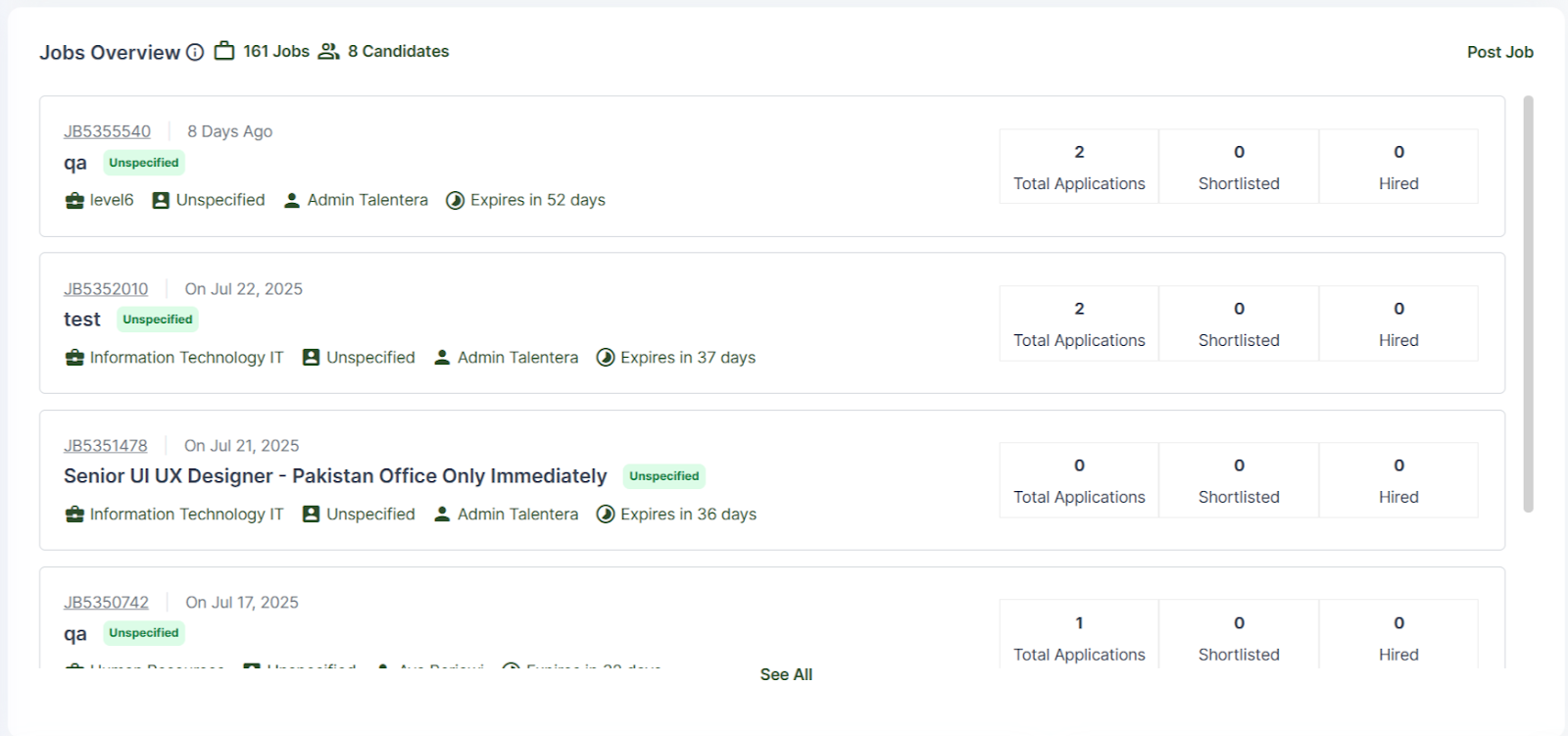
The Jobs Overview widget provides a quick snapshot of your latest open jobs, whether they were created by you or shared with you. This at-a-glance view helps you stay updated on active vacancies, track job statuses, and prioritize your recruitment activities without navigating through multiple sections.
My Tasks
The My Tasks widget shows all tasks assigned to you in one place. You can easily open the linked Job, CV, or Requisition to take action quickly.

Upcoming Interviews
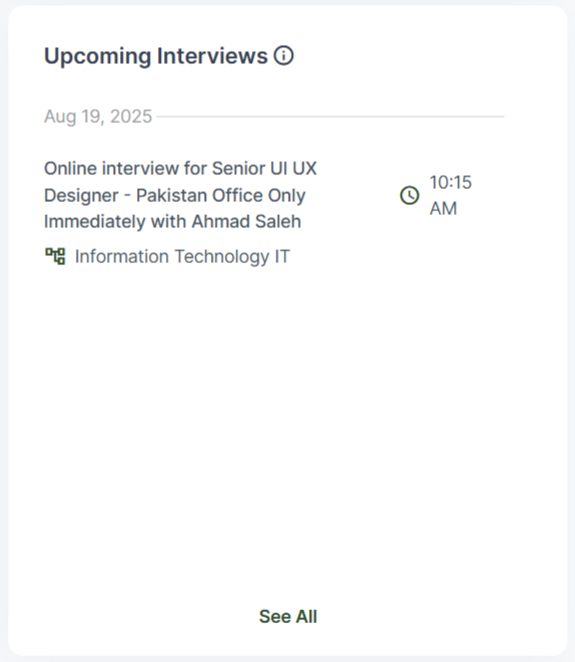
The Upcoming Interviews widget displays all interviews that have been confirmed by candidates and are scheduled within the next three days.
Evaluation Forms
The Evaluation Forms widget allows you to view all evaluation forms that are assigned to you as well as those you have assigned to other users on the career portal. From the dashboard, you can easily track the status and progress of these forms, ensuring evaluations are completed on time and keeping the process organized.

Recently Viewed CVs
The Recently Viewed CVs widget displays the last 10 CVs you accessed within the selected time range. The list is ordered by most recently viewed first, allowing you to quickly revisit candidate profiles without repeating searches.

Time to Complete Evaluation Forms
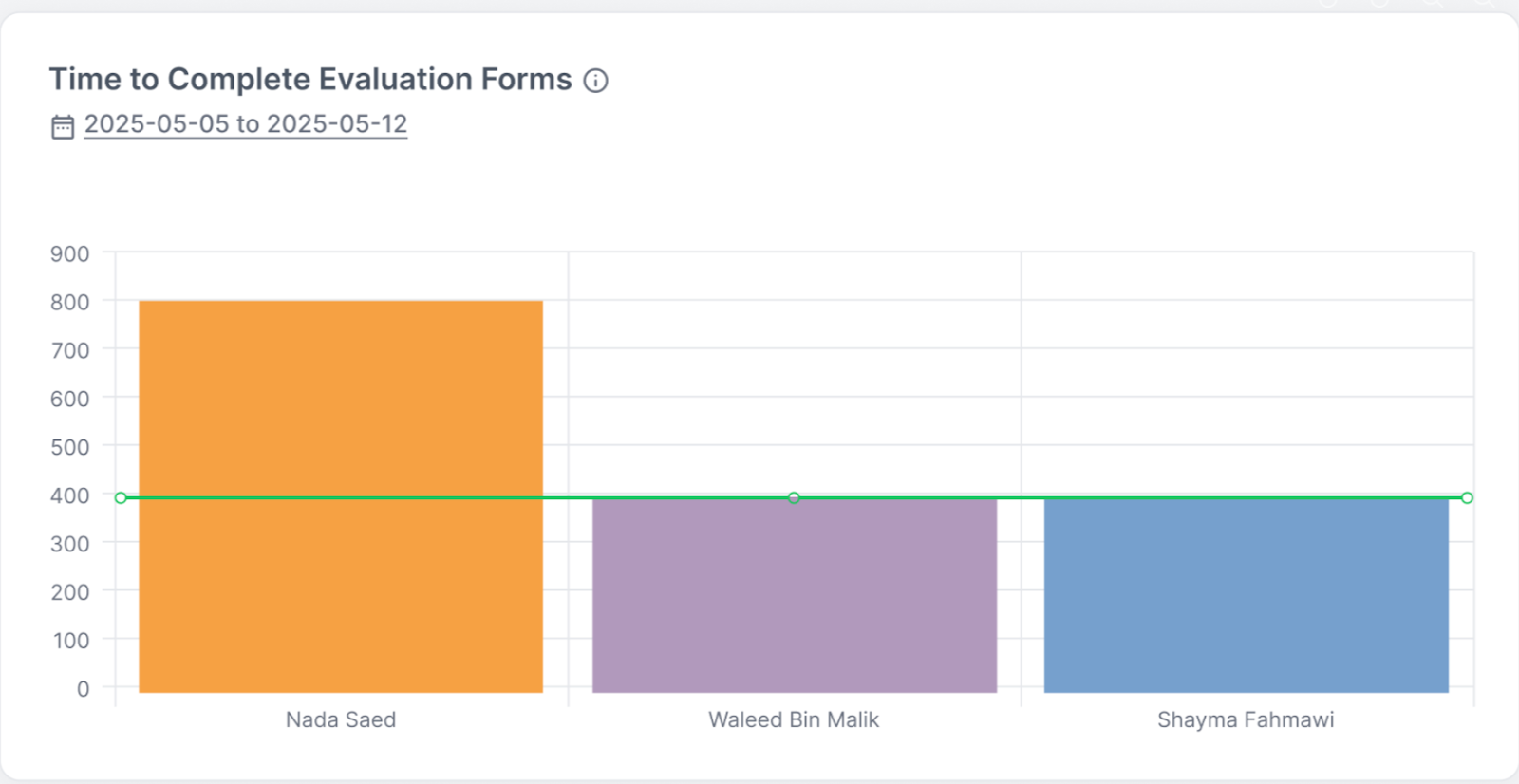
The Time to Complete Evaluation Forms widget tracks how long it takes each recruiter and hiring manager to complete the evaluation forms assigned to them. This helps monitor responsiveness, identify delays, and ensure the evaluation process stays on schedule.
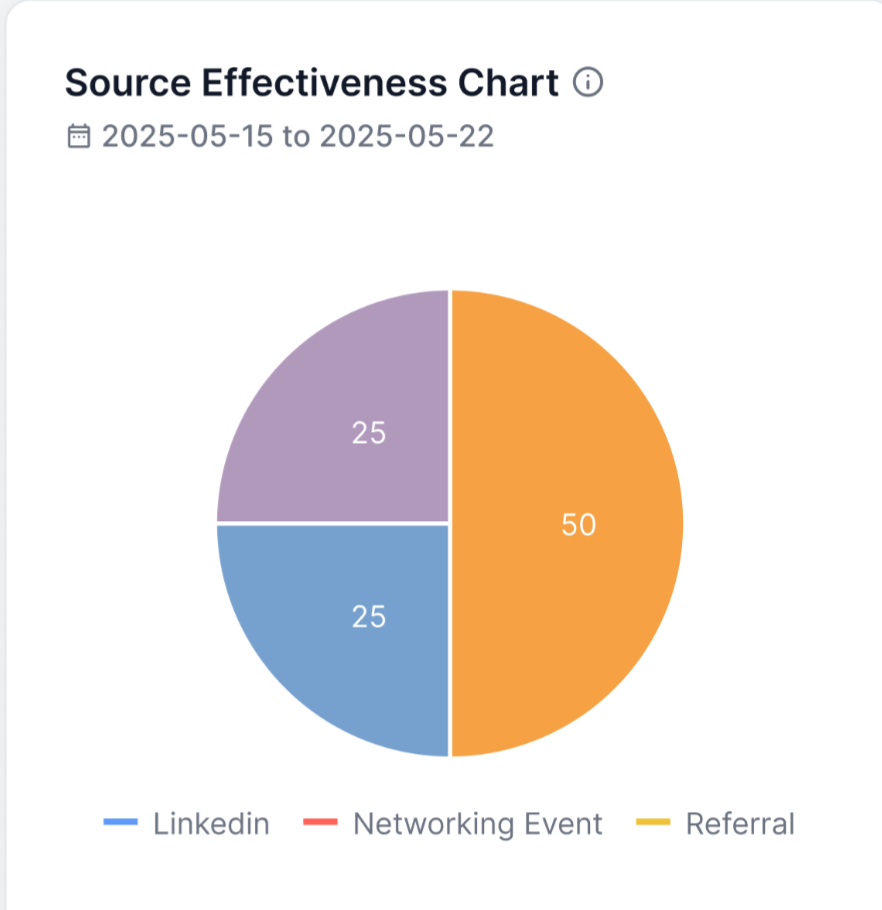
Source Effectiveness Chart
The Source Effectiveness Chart widget shows how each recruitment source is performing in terms of the number of hires generated during a selected time period. This insight helps you evaluate which sources bring the most value and optimize your recruitment strategy accordingly.
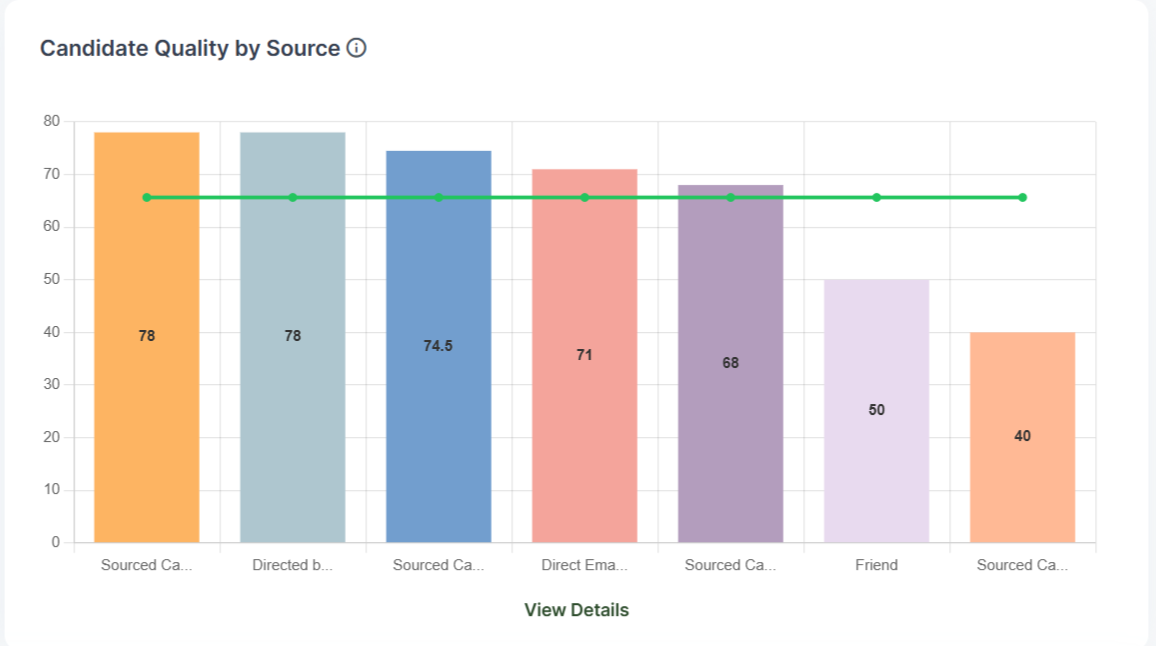
Candidate Quality by Source
The Candidate Quality by Source widget measures the quality of candidates by calculating the average evaluation form score for all CVs coming from the same CV source. This allows you to assess which sources are providing the highest-quality candidates and make more informed decisions on where to focus your sourcing efforts.
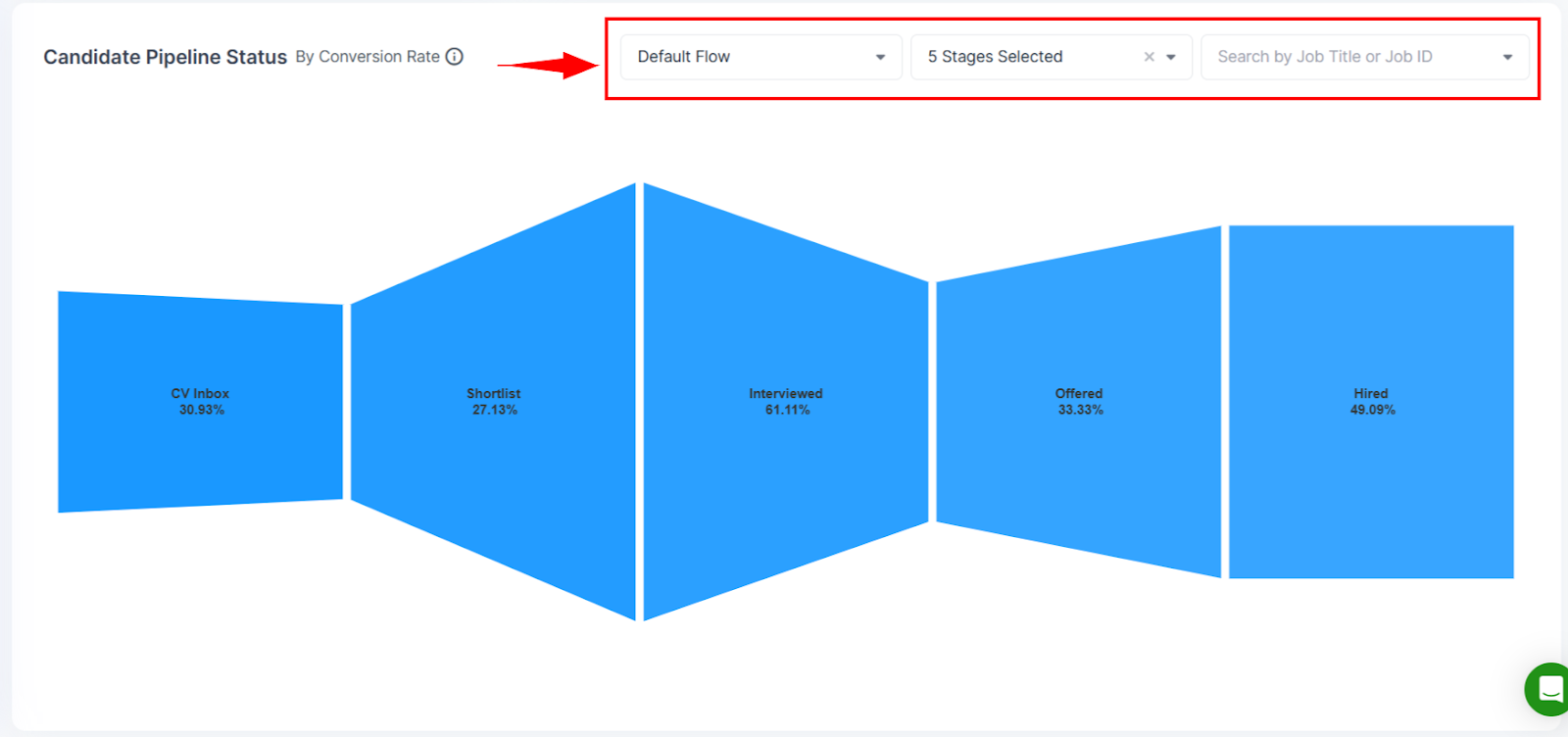
Candidate Pipeline Status
The Candidate Pipeline Status widget tracks how effectively candidates are progressing through the recruitment stages. It allows you to filter the graph by candidate selection flow, specific stages, and Job title/ID, giving you a clear view of where candidates stand, identifying any bottlenecks in the hiring process, and reflecting how effectively candidates are progressing to future stages, represented as a percentage.
Offer Acceptance Rate
The Offer Acceptance Rate widget shows the percentage of job offers that have been accepted, declined, or are still pending. It provides insights at the organization level while also allowing you to compare your own acceptance rate against the company’s overall average.
This widget is dynamic and reflects data based on the date range you select at the top of the dashboard, ensuring you always have the most relevant view of offer performance.
